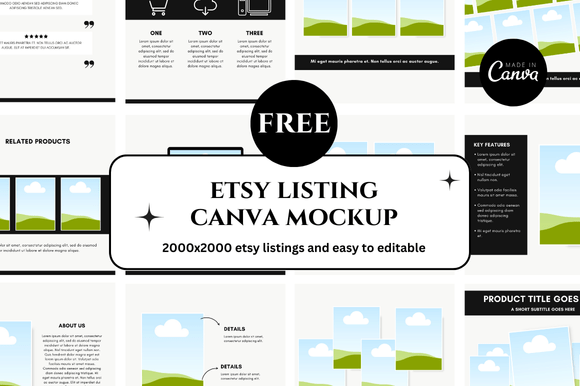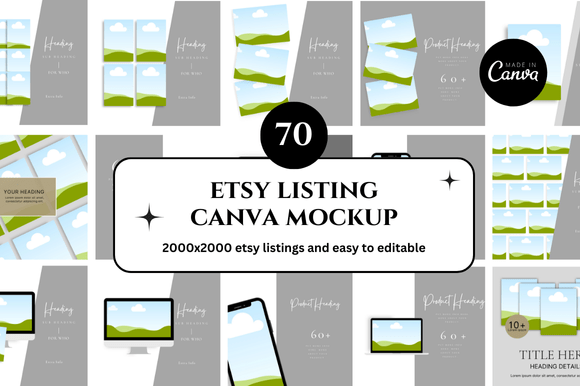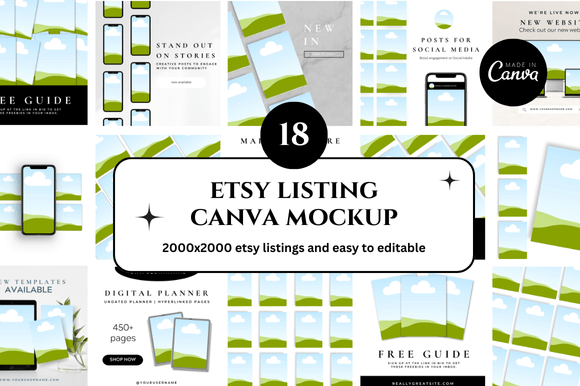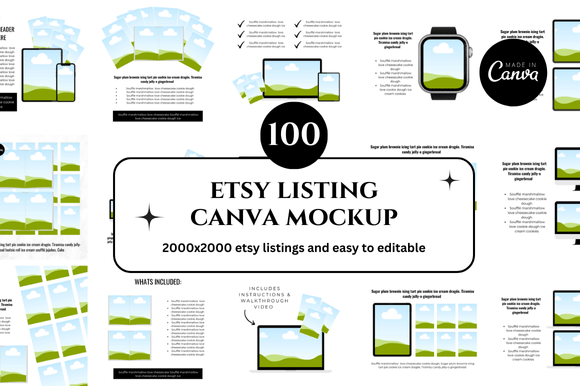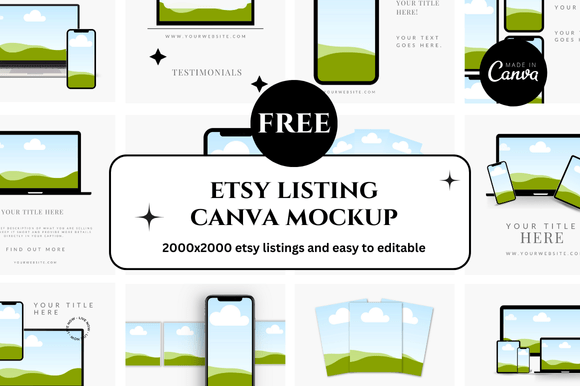
Unlock Your Etsy Success with Free Canva Mockups: A Complete Guide
If you are selling on Etsy, you already know that visuals are everything. Your product photos are the first thing a potential buyer sees, and they often determine whether someone clicks on your listing or scrolls right past. But creating professional, eye-catching product images can be time-consuming and expensive, especially if you are just starting out. That is where free Etsy Canva mockups come into play. These ready-made templates allow you to showcase your products in realistic settings without needing a photography studio, expensive equipment, or advanced design skills. In this guide, we will explore what these mockups are, why they matter, how to find the best free options, and how to use them effectively to boost your Etsy shop's appeal and sales.
What Exactly Is a Canva Mockup for Etsy?
A mockup is essentially a pre-designed template that places your product into a realistic or stylized context. Think of it as a digital "scene" where your item appears naturally. For example, if you sell digital art prints, a mockup might show your design framed and hanging on a living room wall. If you sell custom mugs, a mockup could display your design on a mug sitting on a kitchen counter.
When we talk about free Etsy Canva mockups, we mean templates built specifically for Canva, the popular online design tool. These templates come with empty spaces—often called "smart objects"—where you simply drag and drop your own design. Canva's drag-and-drop interface makes it easy for anyone, even complete beginners, to create stunning product photos in minutes. Because these mockups are free, they remove the financial barrier that often prevents new sellers from presenting their products professionally.
Why Mockups Matter for Your Etsy Shop
Your product listing photos are the digital equivalent of a storefront window. If they look amateurish, shoppers may assume your product is low quality. On the other hand, polished, context-rich images build trust and communicate value. Here is why using mockups is a smart strategy for any Etsy seller:
- First impressions count: A high-quality mockup makes your product look desirable and professional from the moment a buyer lands on your listing.
- Context helps buyers visualize: Seeing a product in a real-world setting—like a tote bag on a model or a print in a cozy room—helps customers imagine owning it.
- Consistency builds brand recognition: Using a consistent style of mockups across your shop creates a cohesive brand identity that shoppers remember.
- Save time and money: You do not need to hire a photographer, rent a studio, or buy props. A free Canva mockup does the heavy lifting for you.
- Experiment without risk: With mockups, you can try different backgrounds, layouts, and styles to see what resonates with your audience, all without printing a single sample.
For digital product sellers—such as those offering planners, printables, fonts, or SVG files—mockups are especially crucial. Since you are not shipping a physical item, the mockup is the only way a buyer can "see" what they are getting.
Understanding the Different Types of Free Etsy Canva Mockups
Not all mockups are created equal. Depending on what you sell, different styles will work better for your listings. Here are the most common types you will encounter when searching for free Etsy Canva mockup resources:
Flat Lay Mockups
These show products arranged on a flat surface, like a table or desk, often viewed from above. Flat lays are popular for stationery, jewelry, small accessories, and digital products like planners. They are simple, clean, and easy to customize. A flat lay mockup might feature a notebook with a pen and a cup of coffee, creating a lifestyle feel without being overly complicated.
Lifestyle Mockups
Lifestyle mockups place your product in a more immersive scene. For example, a tote bag might be shown on a person walking through a park, or a wall art print might be displayed in a beautifully decorated room. These mockups help buyers imagine the product as part of their own life. They often require more complex editing but can be highly effective at driving conversions.
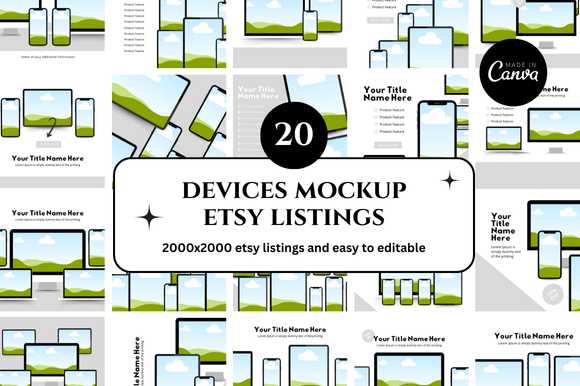
Device Mockups
If you sell digital designs for phone cases, laptop skins, or tablet wallpapers, device mockups are essential. They show your design wrapped around a smartphone, tablet, or laptop, often with a hand holding the device or resting on a desk. These are especially common for Etsy sellers offering tech-related digital products.
Product-Specific Mockups
Some mockups are tailored to a single product type—like a mug, t-shirt, hat, or candle label. They typically include detailed shading and realistic textures so your design looks like it is actually printed on the item. These are extremely useful if you sell print-on-demand or customize physical goods with your artwork.
Where to Find High-Quality Free Canva Mockups for Etsy
The internet is full of free design resources, but not all of them are well-made or easy to use. When searching for free Etsy Canva mockup templates, you want to prioritize sources that offer editable, high-resolution files that work seamlessly in Canva. Here are some reliable places to start:
- Canva's own template library: Canva offers a growing collection of free mockup templates directly within the platform. Simply search for "mockup" in the template search bar, and filter by "free."
- Design blogs and resource sites: Many design blogs offer free mockup downloads as a way to attract visitors. Sites like Creative Market, Design Bundles, and Freepik often have free sections where you can find Canva-ready mockups.
- YouTube creators and design influencers: Many content creators share free mockup packs in the description of their tutorials. These are often high-quality and tailored to current trends.
- Etsy itself: Believe it or not, some Etsy sellers offer free mockup templates as a way to build their email list or promote their paid products. A quick search for "free Canva mockup" on Etsy can yield surprising results.
- Social media groups: Facebook groups and Pinterest boards dedicated to Etsy sellers and digital designers often share links to free resources, including Canva mockups.
When you download a mockup, always check the license terms. Most free mockups are for commercial use, meaning you can use them in your Etsy listings to sell your products. However, some may restrict you from reselling the mockup itself as a digital product.
How to Use a Free Canva Mockup for Your Etsy Listings
Using a Canva mockup is straightforward, even if you have never used design software before. Here is a step-by-step approach to get you started:
- Choose your mockup: Browse the free options available and select one that fits your product and brand aesthetic. Consider the colors, lighting, and overall mood.
- Open the template in Canva: Most mockups come as a Canva template link or a file you can upload. If it is a link, simply click it to open. If it is a download, upload it to Canva as a new design.
- Locate the placeholder area: The mockup will have a clearly marked area—often a dotted outline or a box labeled "your design here"—where you need to add your product image.
- Drag and drop your design: Upload your design (like a digital art file, a logo, or a pattern) to Canva and drag it directly onto the placeholder. The mockup should automatically adjust the shape and perspective.
- Adjust and fine-tune: Resize, rotate, or reposition your design as needed. Many mockups use "smart objects" that automatically adapt, but you can still fine-tune alignment manually.
- Customize the scene (optional): Some mockups allow you to change the background color, add props, or adjust lighting. Feel free to tweak these elements to match your brand colors or seasonal themes.
- Download your final image: Once you are happy with the result, download the image as a PNG or JPG. For Etsy listings, a high-resolution PNG is usually preferred, as it preserves transparency and quality.
- Upload to your Etsy listing: Add the mockup image as one of your listing photos. Use it as the primary image or as a lifestyle shot to complement product-only photos.
That is all there is to it. With a little practice, you will be able to create professional-looking product images in under ten minutes.
Common Mistakes to Avoid When Using Free Mockups
Even though mockups are easy to use, there are a few pitfalls that can make your listings look less professional. Being aware of these will help you get the best results from your free Etsy Canva mockup templates:
- Using low-resolution images: Always use high-resolution versions of your designs. Blurry or pixelated images ruin the realism of the mockup and make your product look cheap.
- Ignoring perspective and lighting: If your design does not match the angle or lighting of the mockup, it will look obviously photoshopped. Pay attention to shadows, highlights, and angles when placing your design.
- Overcrowding the scene: A mockup should highlight your product, not overwhelm it. Avoid adding too many props or elements that distract from the item you are selling.
- Using the same mockup for every listing: While consistency is good, using the exact same mockup for all your products can make your shop look repetitive. Mix it up with a few different scenes to keep things fresh.
- Forgetting about mobile optimization: Many Etsy shoppers browse on their phones. Make sure your mockup images are clear and readable on smaller screens, especially if they contain text.
- Neglecting branding: Your mockups should reflect your brand's personality. Choose scenes, colors, and styles that align with the overall look and feel of your shop.
Taking It Further: Customizing Mockups to Match Your Brand
Once you are comfortable using free mockups, you can start customizing them to create a unique look for your Etsy shop. Here are a few ways to make a mockup feel more personal:
- Change the background color: Many Canva mockups have editable backgrounds. Use your brand's signature color to create a cohesive look across listings.
- Add your logo or watermark: Placing a small logo in the corner of your mockup images reinforces brand recognition and deters image theft.
- Incorporate props that tell a story: If you sell wedding invitation suites, add a few dried flowers or a spool of ribbon to the scene. If you sell fitness planners, include a water bottle and sneakers. Small props help tell a story about how your product fits into a customer's life.
- Create a series of mockups for a single product: Use different angles or settings to show your product from multiple perspectives. This gives potential buyers a fuller understanding of what they are getting.
- Combine mockups with lifestyle photography: If you have access to real photos, consider blending them with mockup elements. For instance, you could place your product into a mockup scene that uses a photo you took as the background.
Final Thoughts: Why Free Etsy Canva Mockups Are a Game-Changer for Sellers
For anyone selling on Etsy—whether you are a seasoned creator or just launching your first product—visual presentation is non-negotiable. High-quality product images are one of the strongest factors influencing a buyer's decision to purchase. Free Etsy Canva mockups level the playing field by giving sellers of all budgets access to professional-grade design tools. They save time, reduce costs, and allow you to focus on what matters most: creating great products and connecting with your customers.
The best part is that you do not need to be a graphic designer or a photographer to use them. Canva's intuitive interface combined with well-made mockup templates means anyone can produce stunning listing images in minutes. Whether you are selling digital art, print-on-demand merchandise, or handmade goods, there is a free mockup out there that can help your product shine.
Start exploring the options available, experiment with different styles, and pay attention to what resonates with your audience. Over time, you will develop a visual identity that sets your shop apart and turns casual browsers into loyal buyers. And because these resources are free, you can iterate and improve your listing photos as often as you like without worrying about cost. That is a powerful advantage in the competitive world of Etsy selling.
So go ahead and search for that perfect free Canva mockup for your next Etsy listing. With a little creativity and a few clicks, you can transform your product presentation and take your shop to the next level.