Etsy Listing Canva Mockup: What to Know Before You Buy or Create One
When you browse Etsy for digital products, you commonly see polished product images featuring an Etsy Listing Canva Mockup. These mockups display a printable design, a digital planner page, or a similar item within a staged scene—like a living room or desk setup. For many sellers and buyers, the mockup itself becomes a reason to purchase a template. But what exactly is an Etsy Listing Canva Mockup, and is it the right choice for your shop or your next design project? This article evaluates the concept, its benefits, trade-offs, and practical considerations to help you decide whether to use, buy, or create one.
What Is an Etsy Listing Canva Mockup?
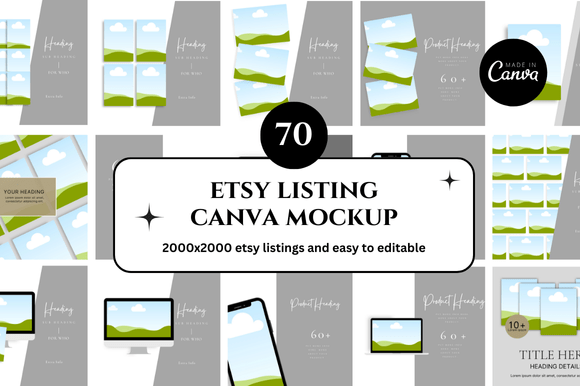
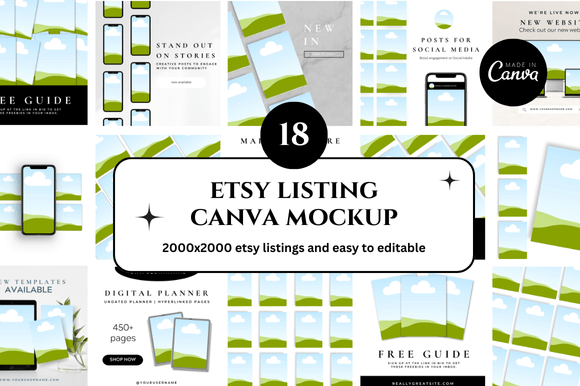
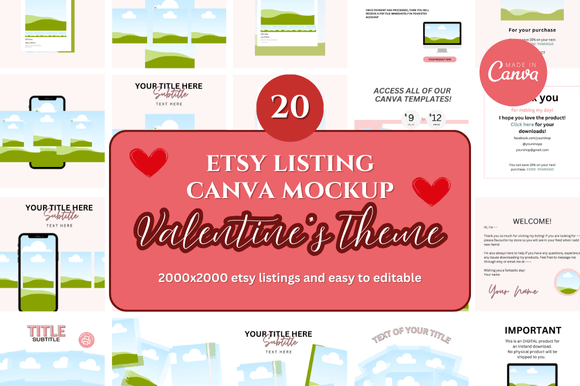
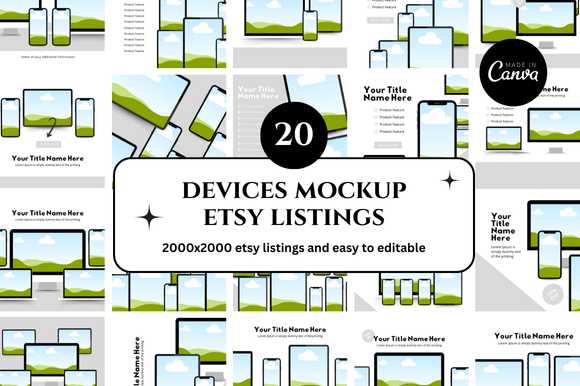
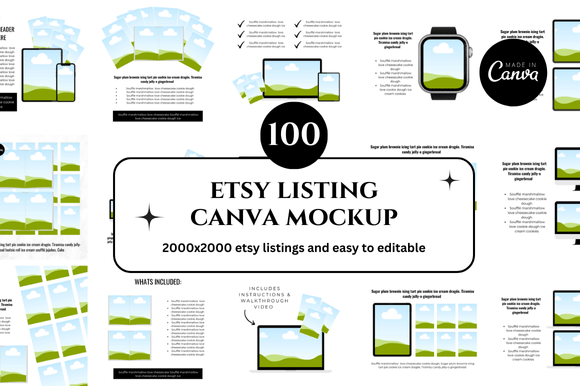
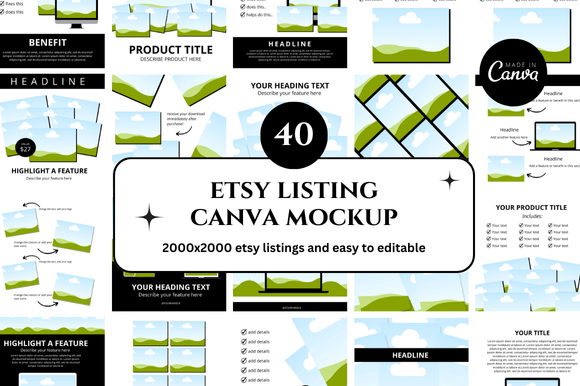
An Etsy Listing Canva Mockup is a pre-designed template created in Canva that lets you place a design—such as a digital art print, a sticker sheet, or a downloadable planner—into a realistic or stylized environment. The mockup typically includes elements like a wooden frame, a desk, a mobile phone, or other props. Sellers use these mockups for their Etsy listing photos to show how a digital product might look in real life. Because Canva offers drag-and-drop editing, these mockups are popular among sellers who want professional-looking images without hiring a photographer or learning complex software.
While the term often refers to a template that is sold on Etsy itself, it can also describe a DIY mockup you assemble in Canva using free or paid assets. The core function remains the same: to visually communicate the scale, color, and context of a digital product so buyers can imagine themselves using it.
Why People Seek an Etsy Listing Canva Mockup
Interest in these mockups usually stems from a few common needs:
- Time efficiency. Creating listing photos from scratch takes hours. A ready-made mockup reduces that to a quick image swap.
- Consistent branding. Using a set of similar mockups creates a cohesive shop aesthetic, which can help a store look more professional.
- Lower entry barrier. Sellers new to Etsy often lack graphic design skills. Canva mockups simplify photo creation for non-designers.
- Visual proof. Digital products are intangible. A mockup gives potential buyers a concrete vision of the final item, increasing purchase confidence.
These motivations make mockups appealing, but they come with trade-offs that depend on your goals, budget, and audience expectations.
Benefits of Using an Etsy Listing Canva Mockup
When chosen carefully, an Etsy Listing Canva Mockup can serve as a valuable tool. The main advantages include:
Speed and Ease of Use
Because the scene is already laid out, you simply upload your design file and adjust the position. Most mockups include smart objects or placeholders that scale automatically. This speed is especially helpful when you have many listings to create or frequently update your product line.
Professional Appearance Without Photography
High-quality mockups often include realistic lighting, shadows, and textures. For a seller with no access to a studio or good natural light, these templates produce images that compete with those from seasoned product photographers.
Low Upfront Investment
Many Etsy Listing Canva Mockups cost between $2 and $10. Compared to hiring a photographer or buying expensive rendering software, this is a minimal cost. Even free Canva templates can produce decent results if you invest a little time in editing.
Flexibility for Multiple Products
You can reuse a mockup for different designs by swapping the placeholder image. This is efficient for shops that sell multiple variations of a similar item, such as prints in different colors or quotes.
Trade-Offs and Considerations
Despite the benefits, there are clear downsides to relying heavily on an Etsy Listing Canva Mockup. Understanding these will help you avoid common pitfalls.
Lack of Originality and Risky Overuse
Because the same mockup is sold to many sellers, your listing photo may look very similar to a competitor’s. This can confuse buyers or make your shop appear generic. In extreme cases, you may even face intellectual property concerns if the mockup includes stock elements with restrictive licenses—though this is rare with reputable sellers.
Context Mismatch
Mockups are designed for a specific type of product. A mockup that works for a wall art print might look unnatural for a sticker or a paper craft. If you force a design into an unsuitable scene, the image can seem off and reduce buyer trust.
Learning Curve for Customization
While Canva is easy to use, some mockups come with many layers, groups, and effects. Beginners may struggle to edit text, change background colors, or adjust shadows without distorting the image. If you plan to heavily modify a mockup, you should have at least basic familiarity with Canva’s interface.
File Format and Resolution Constraints
Most downloadable mockups provide a Canva template link, which means you are limited to Canva’s export options. If you need a very high-resolution image for print, for example, you may be restricted by Canva’s free plan limits (maximum 5000px on the shorter side for Pro users). For Etsy listings, this is usually sufficient, but it’s worth confirming the output size before buying.
When an Etsy Listing Canva Mockup Is a Strong Fit
There are scenarios where using a mockup from Canva is clearly the most practical choice:
- You sell printable wall art. Mockups with frames and wall backgrounds allow buyers to visualize the artwork in a home setting. This is one of the most common use cases and works extremely well.
- You offer digital planners or notebooks. Tablet or desk mockups let people see how the planner would integrate with their device or paper setup. This increases perceived value.
- You are testing a new product category. If you are uncertain about demand, buying a cheap mockup to create a few listing images is a low-risk way to test the market before investing in professional photography.
- Your shop has a large inventory. When you need to produce dozens of listing images quickly, a consistent mockup set saves time and ensures a uniform look across your shop.
In these situations, the convenience and cost-effectiveness of an Etsy Listing Canva Mockup often outweigh the lack of uniqueness.
When Alternatives May Be Worth Considering
There are equally valid circumstances where using a pre-made Canva mockup is not your best option. Alternatives might be more suitable if:
Your Product Is Highly Specialized
If you sell handcrafted items that have unique shapes, textures, or dimensions, a generic mockup will rarely look accurate. In such cases, taking actual photos of your product (even with a smartphone) will present a more honest and appealing image. Buyers of handmade goods often expect to see the real item, not a digital rendering.
You Prioritize Brand Differentiation
If your shop competes in a saturated niche, standing out visually is essential. Using a mockup that dozens of other sellers use can dilute your brand identity. Instead, consider creating your own Canva scene from scratch using unique props and backgrounds, or investing in a custom mockup design made specifically for your shop.
You Need High-Volume or Dynamic Images
For shops that frequently launch new products or run seasonal promotions, manually updating each mockup can become tedious. An alternative workflow—such as using a graphic design tool with batch processing capabilities, or hiring a virtual assistant to create custom images—may ultimately save time and money.
You Sell Products That Depend on Scale Accuracy
If a buyer needs to know exactly how large a sticker or a printed card is, a mockup that shows it in a vague scene without dimensions can be misleading. In that case, supplement mockups with clear flat-lay photos or images that include a ruler or a common object for scale.
Practical Decision-Making Insights
To decide whether an Etsy Listing Canva Mockup aligns with your goals, ask yourself three questions:
- What does your target buyer expect? Look at top-selling shops in your niche. If they all use similar mockups, it may be table stakes. If none do, you might need a different approach.
- How much time and skill are you willing to invest? If you can comfortably customize a template and export high-quality images, a mockup is a fast solution. If you struggle with the basics, your time might be better spent on a simpler photo method.
- How important is long-term brand consistency? For a one-off project or a side hustle, a mass-market mockup is fine. For a dedicated business, creating your own distinct visual style may pay off over time.
Remember, a mockup is a presentation tool, not a magic fix. It enhances your listing but cannot compensate for a low-quality product or unclear product description. The best results come from combining a suitable mockup with strong item photography, thorough product details, and clear pricing.
Conclusion
An Etsy Listing Canva Mockup offers a practical shortcut for digital product sellers who need appealing listing images without advanced design skills or expensive equipment. It works well for common product types like wall art and digital planners, especially when you are starting out or managing many listings. At the same time, its limitations—lack of originality, potential mismatch with physical products, and restricted customization—mean it is not a universal solution.
Weigh your shop’s niche, your audience’s expectations, and your own comfort with Canva before committing to a mockup strategy. For many sellers, a hybrid approach works best: use a high-quality Canva mockup for initial listings, then gradually replace or supplement them with original images as your brand grows. The key is to keep the buyer’s experience at the center—an honest representation always wins in the long run.